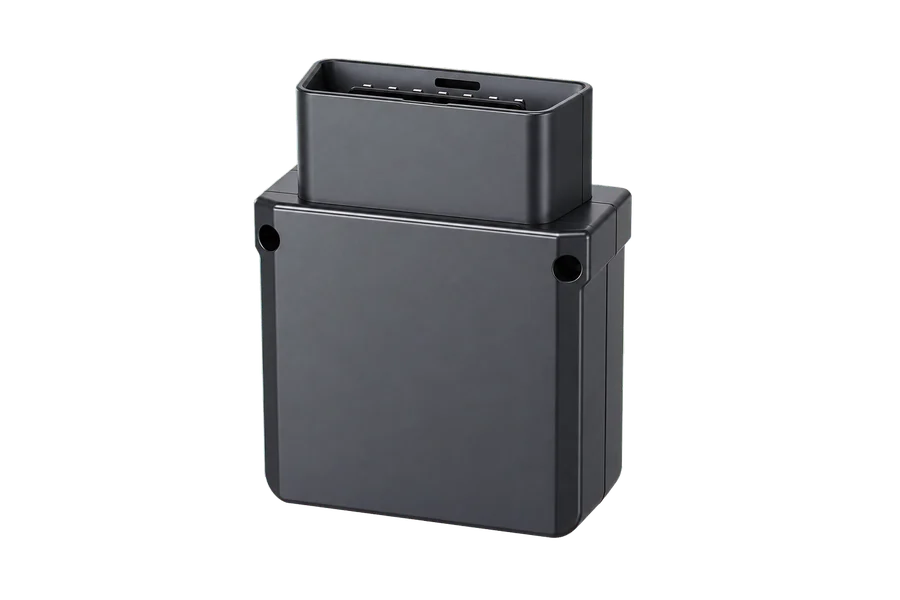
For OBD / CAN vehicle data
TX-5-CAN
Discuss VIN, RPM, coolant temperature and mileage alongside location and trips. Available fields require vehicle-specific confirmation.
Fleet management
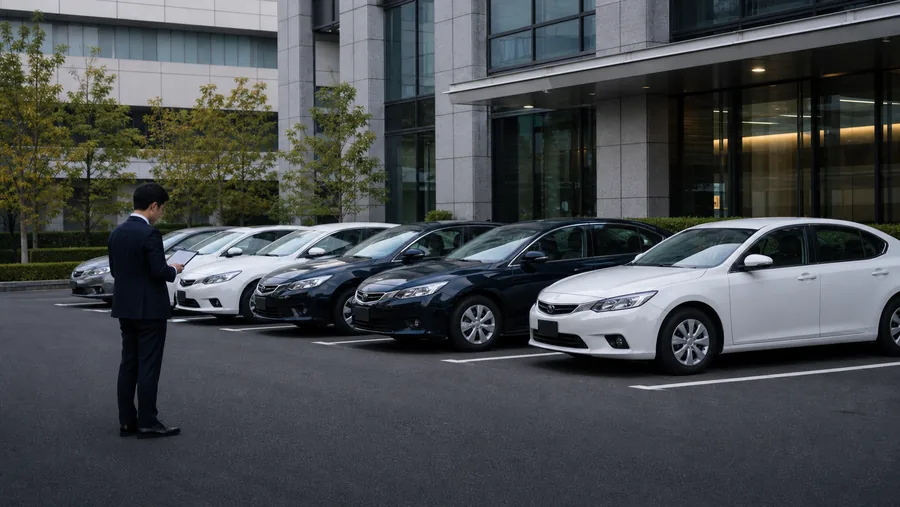
Start with the vehicles, then bring location, trips and available status data into daily operations. Confirm which data is available before defining alerts and system connections.
Where are the vehicles, and which routes have they taken?
Which status data is available, and which exceptions need follow-up?
How can this information support the team's existing workflow?
Workflow
List make, model, year, trim and installation conditions. Select terminals around the need for location, mileage or more detailed vehicle status.
Vehicle list / data scope / device selection
Install and validate the devices, then check location and trip history. Use only vehicle-data fields confirmed for the selected device and vehicle.
Installation checks / trips / available fields
Configure supported geofence, speeding or driving-behavior alerts. Operations staff review them alongside time, location and available status data.
Alert rules / staff review / event follow-up
Define required data, permissions and update methods for existing systems. Confirm API scope and integration testing for the project.
API scope / permissions / integration checks
Device selection
These are selection options, not a required bundle. Functions and combinations must be confirmed for the vehicles and project.
For OBD / CAN vehicle data
Discuss VIN, RPM, coolant temperature and mileage alongside location and trips. Available fields require vehicle-specific confirmation.
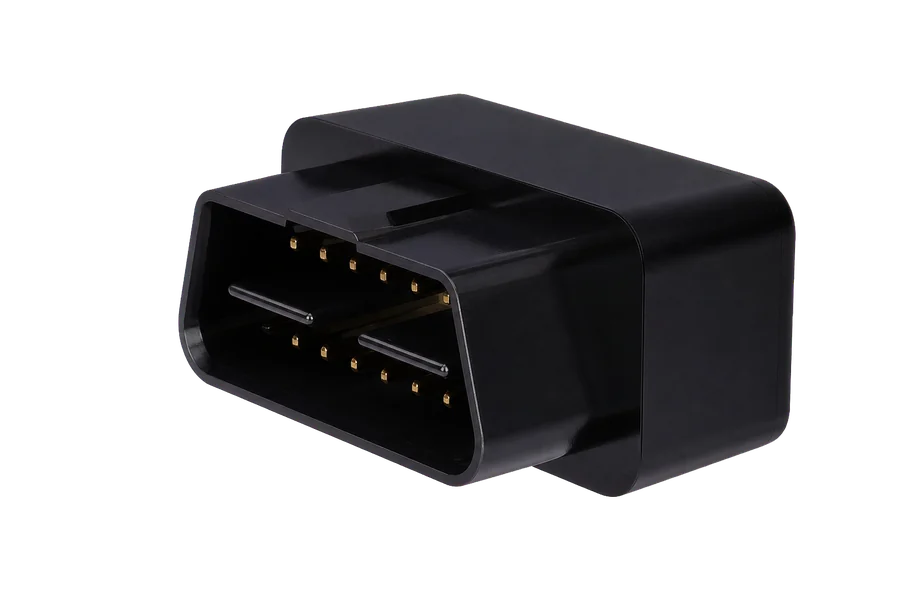
For location and basic alerts
OBD II plug-in installation for tracking, trip history and supported alerts. It should not be assumed to provide the full TX-5-CAN data set.
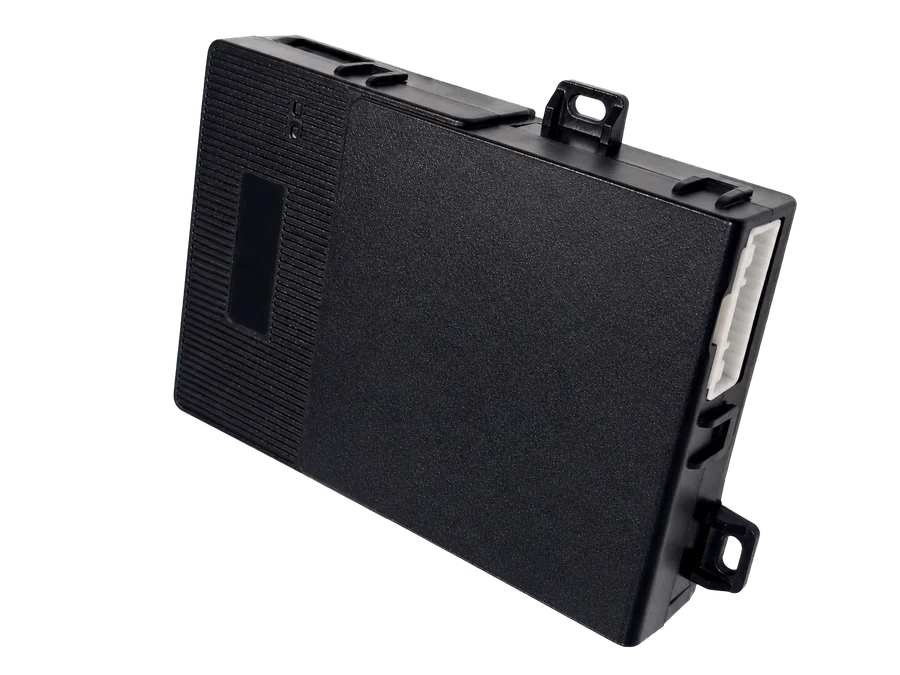
For detailed status or authorized control
A terminal tailored to rental operations. Confirm vehicle compatibility and authorization conditions separately for lock, ignition-state or supported remote-control requirements.
Project fitment
Share your operating region, fleet size, vehicle models and years, required data and systems to connect.
Discuss these requirements