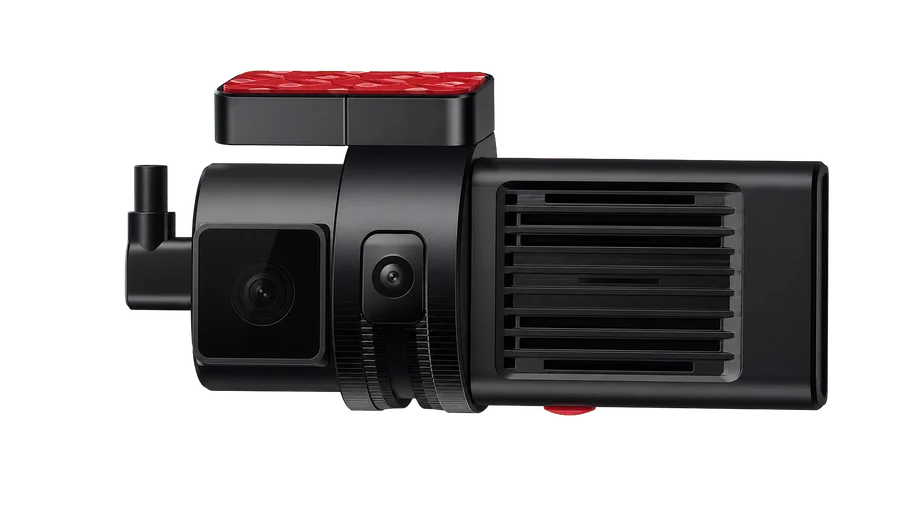
Road and cabin recording
DVR-5
Dual-channel recording with a 1080P main camera, 4G, location and trip history for projects requiring two views in light vehicles.
Video safety
Define the views you need, then configure recording, location and event retrieval. Give staff useful context for review; assistance alerts do not guarantee safety outcomes.
Do you need road, cabin or multiple camera views?
When and where did an event happen, and can the relevant footage be found?
Which alerts and records suit the vehicles and operating process?
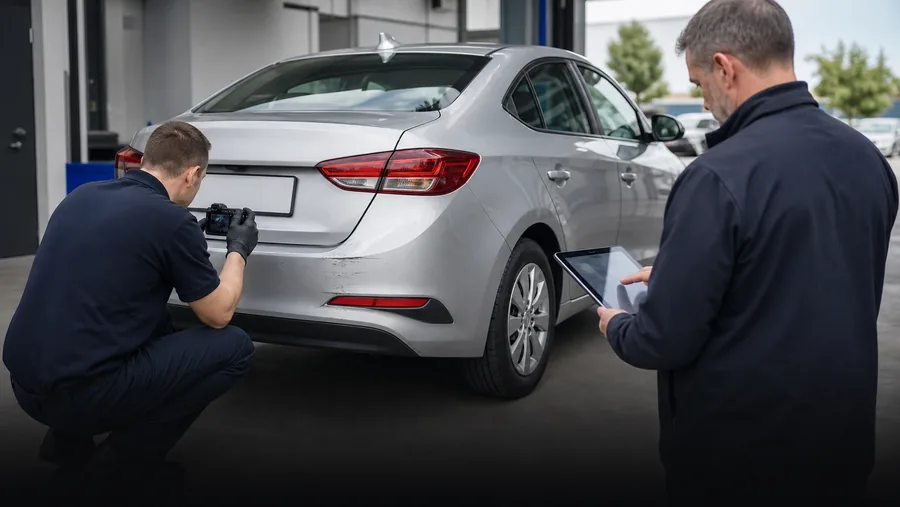
Workflow
Select a recorder for road, cabin or multi-channel needs. Confirm camera placement, power, wiring and the vehicle's operating environment.
Views / channel count / installation checks
Set up recording and local storage for the device, then confirm video access, event uploads and mobile connectivity. Retention depends on bitrate, channel count and storage capacity.
Recording settings / storage plan / connectivity
Use location, time and trip history to find live or recorded video and event records. Access depends on device capabilities, retained recordings and connectivity.
Time and location / video retrieval / event review
Staff review events and decide on follow-up. Where ADAS or DMS is required, validate the device and installation conditions. Confirm system integration scope separately.
Staff review / assistance alerts / integration checks
Device selection
These are selection options, not a required bundle. Functions and combinations must be confirmed for the vehicles and project.
Road and cabin recording
Dual-channel recording with a 1080P main camera, 4G, location and trip history for projects requiring two views in light vehicles.
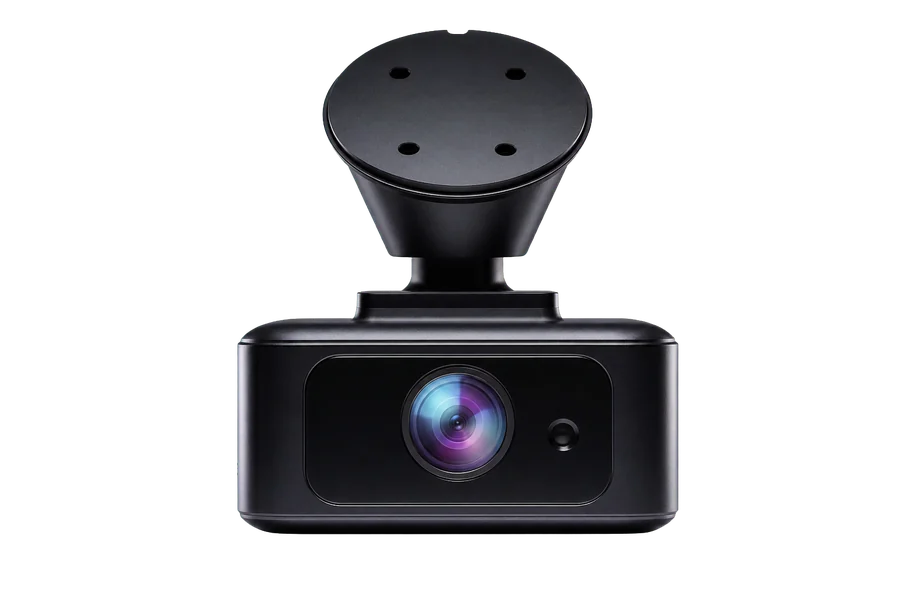
Single-channel 2K and parking monitoring
A compact single-channel recorder with 2K video, parking monitoring and collision-event upload. Confirm power arrangements and recording settings.
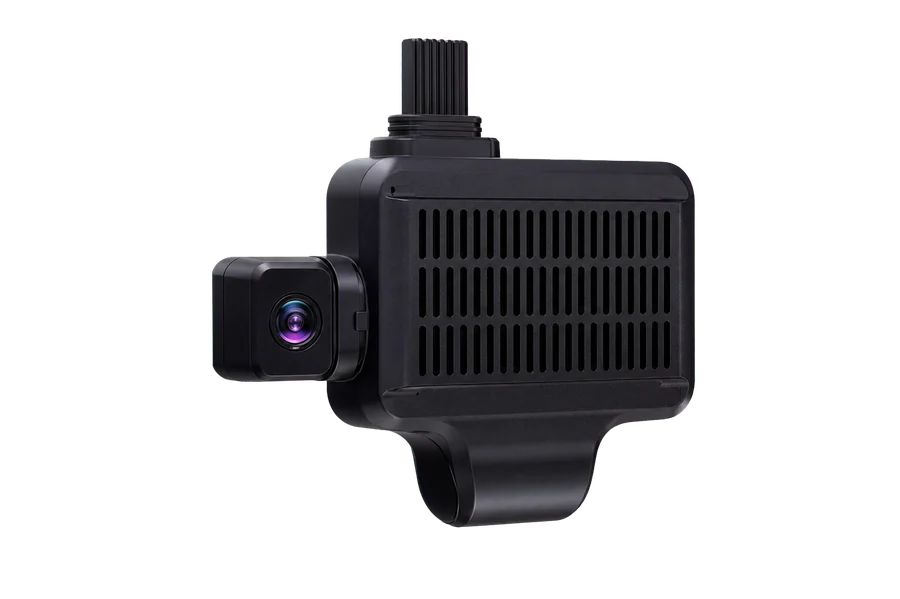
Multi-channel video and assistance alerts
Supports 4/5-channel configurations, 1080P main and 720P expansion channels. ADAS, DMS and external-camera scope depend on project configuration and installation validation.
Project fitment
Share vehicle types, required camera views, fleet size, retention requirements and operating region.
Discuss these requirements